
Isee vs Superset
Superset is a source-available desktop workspace for running CLI coding agents in parallel Git worktrees. It includes a CLI, SDK, MCP server, and remote hosts.
Isee orchestrates coding agents from desktop, mobile, web, and the CLI. Open source under Apache-2.0.
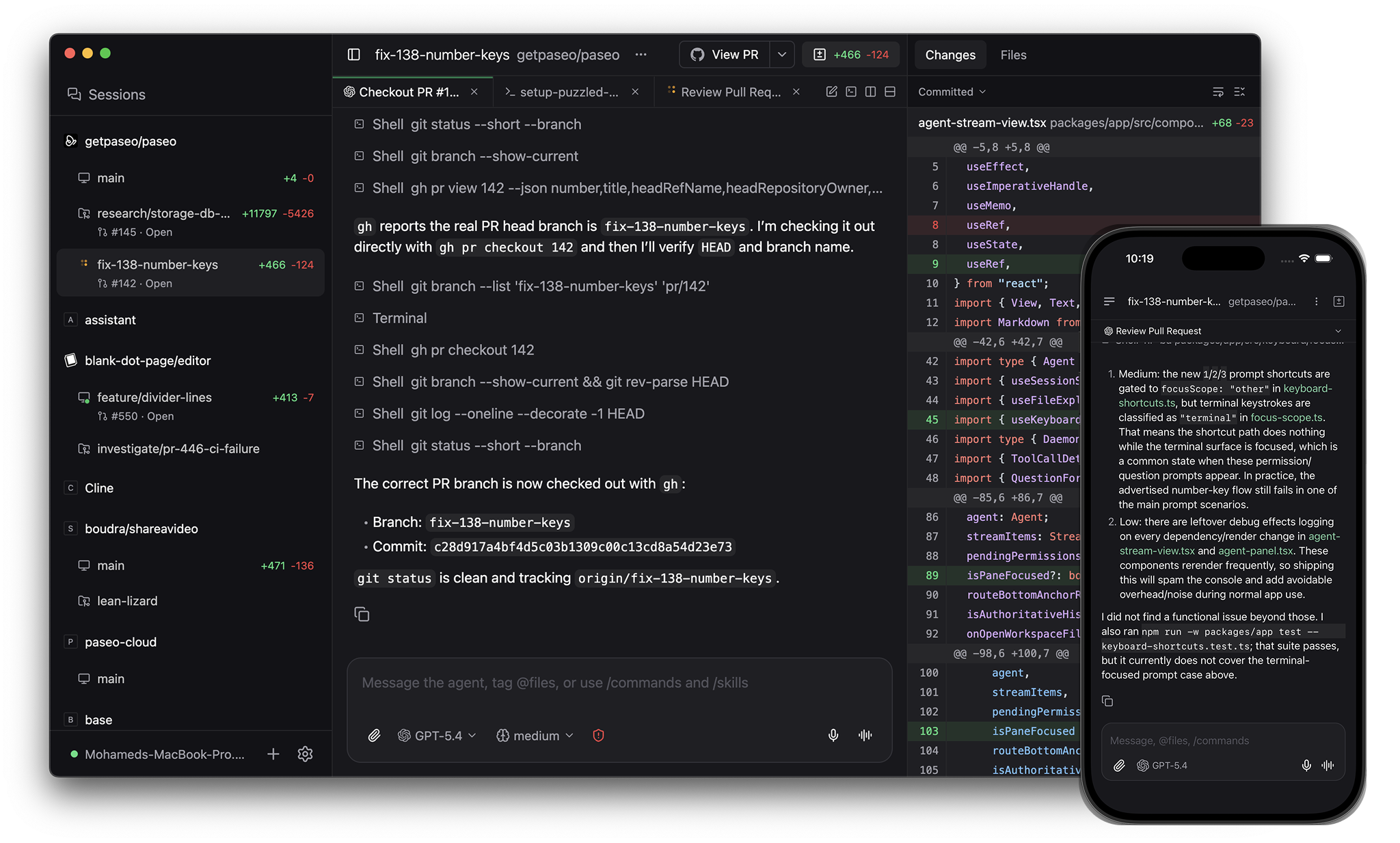
The main difference
Superset provides a terminal-centered workspace for running many CLI agents in parallel Git worktrees. It requires a Superset account and GitHub sign-in, and its source is published under the Elastic License 2.0.
Isee runs locally without an account, is licensed under Apache 2.0, provides structured interfaces for supported agent harnesses, and supports application plugins with server-side behavior and native client components.
License
Isee is open source under Apache-2.0. You can audit, fork, modify, and redistribute it.
Superset publishes its source under the Elastic License 2.0. You can use and modify it, but the license restricts offering Superset as a managed service and bypassing license-protected functionality.
Architecture and access
Both tools run agents on machines you control and can connect to remote hosts.
Isee's daemon runs independently of its clients. Desktop, web, mobile, CLI, SDK, and MCP clients can connect directly, and local use does not require an account.
Superset requires a Superset account and GitHub sign-in when opening the app. Its synchronization, remote access, and team workflows use Superset's cloud services.
Providers
Superset supports many CLI-based coding agents and lets you add custom terminal agents.
Isee runs Claude Code, Codex, OpenCode, and Pi through native structured harnesses, plus 30+ agents through its ACP catalog and any custom CLI agent. See all supported providers.
Application plugins
Isee plugins extend Isee itself. They can add server behavior and native client components such as workspace panels, sidebar items, composer attachments, themes, and Command Center items across desktop, browser, iOS, and Android.
Superset does not document an application extension API for adding both server behavior and native client components.
Workspaces and review
Both tools provide Git worktrees, split panes, terminals, diff review, an in-app browser, GitHub workflows, schedules, and remote hosts.
Isee gives supported providers a structured chat interface with modes, slash commands, tool calls, and file attachments. Superset can run any CLI agent in terminal panes and adds lifecycle status for supported agents.
Isee also gives each worktree its own service URL, such as web.fix-auth.my-app.localhost, so parallel development servers do not compete for ports.
Automation
Both tools expose workspace and agent operations through a CLI, TypeScript SDK, and MCP server. They can create workspaces, launch agents, follow progress, and manage scheduled work.
Pricing
Isee is free with no seat limits.
Superset has a free individual tier. Team features, remote access, and integrations are part of its paid plans.
Comparison
| Isee | Superset | |
|---|---|---|
| License | Open source (Apache-2.0) | Source-available (Elastic License 2.0) |
| Desktop platforms | macOS, Linux, Windows | macOS, experimental Linux |
| Native mobile | iOS, Android | Coming soon |
| Account required | No | Yes, with GitHub sign-in |
| Agent harnesses | Native, ACP, and custom CLI | CLI agents |
| Application plugins | Server code and native client components | No |
| Split panes and tabs | Yes | Yes |
| In-app terminal | Yes | Yes |
| In-app browser | Yes | Yes |
| GitHub workflow in app | Commit, push, PR, checks, reviews, merge | Yes |
| Git worktrees | Yes | Yes |
| Per-worktree dev server URLs | Yes | Port detection |
| Automation | CLI, SDK, MCP | CLI, SDK, MCP |
| Schedules | Yes | Yes |
| Local voice | Dictation and realtime voice | No documented voice support |
| Self-hosted daemon | Yes | Host server |
See also: Isee vs Conductor, Isee vs OpenChamber, Isee vs Happy Coder.